A DIALux simulation is essential before buying industrial lights when a wrong layout would cost more than the model. High ceilings, racks, tunnels, data halls, cold rooms, parking decks, emergency routes, and sensor zones can all look simple in a quote but fail in the installed geometry. The simulation should decide spacing, optics, fixture count, glare risk, maintenance zones, and sample evidence before the purchase order is frozen.
According to DIALux evo lighting design guidance, DIALux evo supports lighting design with real luminaires, standards-compliant calculations, and realistic visualizations. According to DIALux download information, the software supports design, calculation, and visualization for rooms, buildings, streets, outdoor areas, and emergency lighting. The buyer insight is that simulation is not a decorative rendering; it is a procurement filter when geometry and evidence decide whether the quoted fixture will work.
Key Takeaways
- Use DIALux before purchase when layout risk is high: tall racks, high ceilings, glare-sensitive work, emergency routes, tunnels, data halls, or complex sensor zones.
- A useful simulation needs real luminaire files, correct geometry, mounting height, surface assumptions, work planes, and control scenes.
- Do not use simulation as a sales image only; use it to freeze fixture count, optics, spacing, zoning, and the evidence needed from the supplier.
- Fanxstar is most relevant when the simulation output must become a sample, RFQ, or ODM fixture recommendation for industrial LED lighting.
What DIALux can prove before a lighting purchase
It tests geometry before the buyer orders hardware
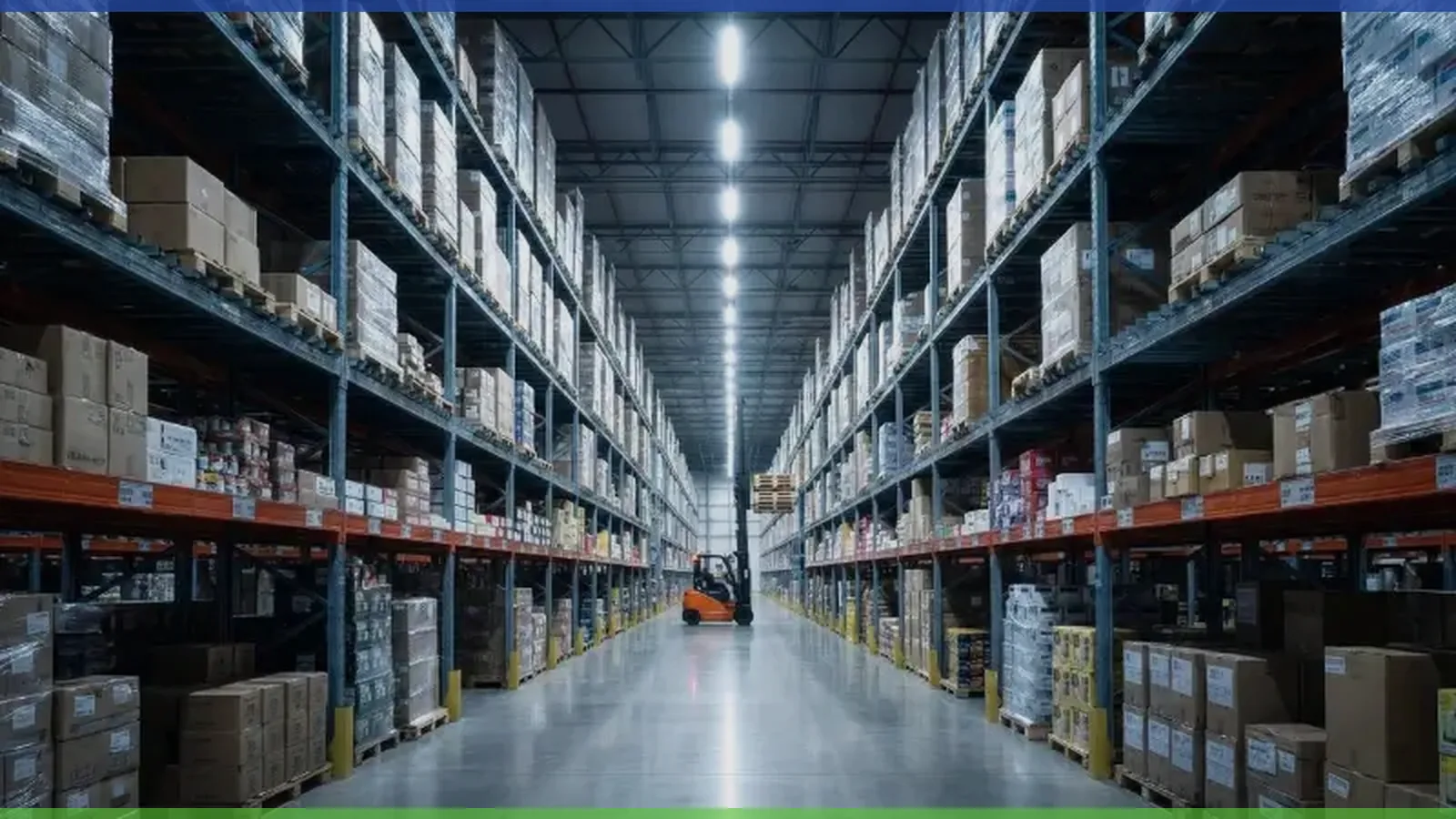
Industrial lighting is spatial. A quote can say 100 W, 150 lm/W, 5000 K, and 120 degree beam, but the installed result depends on ceiling height, rack shadows, aisle width, task plane, fixture spacing, surface reflectance, control scenes, and maintenance access. DIALux helps the buyer see whether the proposed luminaire arrangement reaches the actual work areas before fixtures are purchased.
According to DIALux indoor lighting workflow, documentation can include luminaire layout plans and lighting scenes. That is useful for procurement because the report can become a shared object between designer, buyer, supplier, installer, and maintenance team. Without that object, each party may imagine a different layout while agreeing to the same fixture quantity.
The simulation should answer specific questions. How many fixtures are needed? Where should rows start and stop? Does the beam reach shelf faces or only the floor? Are there dark zones near columns, machines, doors, or cross aisles? Is glare likely at driver or worker eye level? Does emergency or sensor dimming create a lower-light state that still needs review? These are buying questions, not rendering questions.
It turns product files into layout evidence
A simulation is only as trustworthy as its inputs. If the luminaire file is generic, the room geometry is guessed, and reflectance values are optimistic, the output can mislead the buyer. The supplier should provide IES or LDT data for the quoted fixture version, not a similar product with a different lens or LED board. The designer should model the real mounting height, spacing, and work plane.
According to DIALux light emission analysis update, DIALux evo can verify whether a setup complies with selected standards and visually highlight deviations. Buyers should use that capability as an exception finder. The most valuable simulation result is often not the average number; it is the discovery of where the plan fails, where a fixture causes glare, or where a row must move.
| Simulation input | Why it matters | Weak input symptom |
|---|---|---|
| Room or site geometry | height, racks, columns, machines, and work planes define where light goes | average lux looks fine but task areas are dark |
| Real luminaire file | IES or LDT file carries distribution, not just wattage | fixture count is based on a placeholder beam |
| Mounting and aiming | height, tilt, spacing, and row direction change uniformity and glare | installation team cannot reproduce the report |
| Surface reflectance | walls, floors, racks, ceilings, and equipment affect usable light | model appears brighter than the real site |
| Control scenes | dimming, sensors, emergency, and zoning alter operating light | energy and visibility claims do not match operation |
When a DIALux simulation is worth doing
Run simulation when geometry, quantity, or risk is uncertain
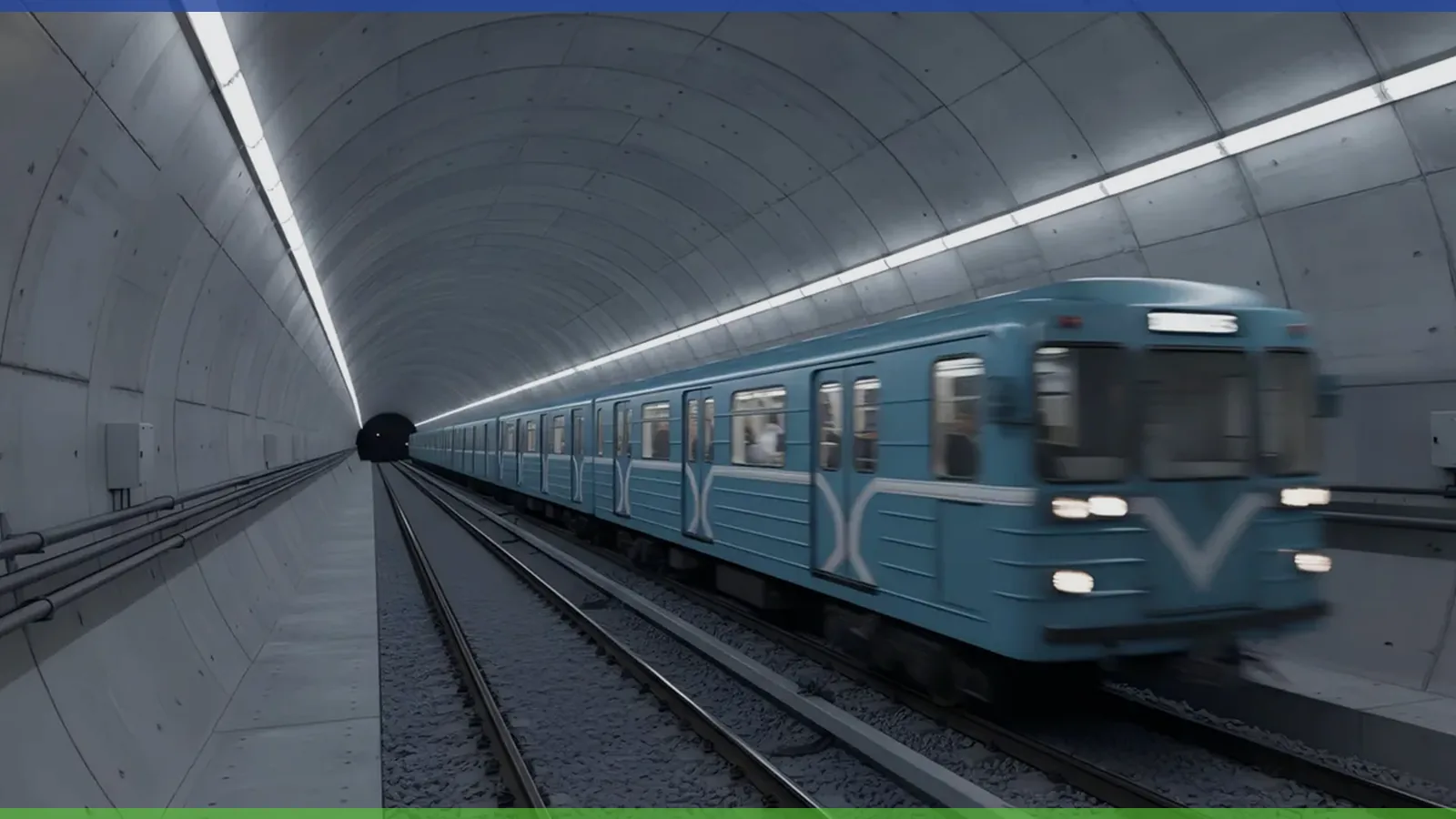
Simulation is worth doing when the project has high ceilings, tall racks, narrow aisles, complex machinery, multiple task planes, emergency routes, public safety zones, cold rooms, parking decks, tunnels, or data halls. In those projects, a wrong fixture count or beam choice can create dark zones, glare, rework, downtime, or an argument after installation. The model is cheap compared with moving rows of industrial fixtures after the order arrives.
According to FEMP LED luminaire purchasing guidance, buyers should compare complete commercial and industrial LED luminaires. According to GSA LED and controls guidance, lighting choices should consider life-cycle and controls behavior. Together, they support a practical rule: simulate when luminaire category, controls, mounting, or life-cycle cost depends on the layout rather than on a single catalog value.
Use a scenario estimate. If a 120-unit warehouse order is under-designed by 10 percent, the buyer may need 12 extra units, lifts, wiring changes, and another installer visit. If it is over-designed by 10 percent, the buyer pays for unnecessary hardware and energy. If the correction requires a 48-hour shutdown, the simulation cost is small compared with the disruption. A simulation helps the buyer find the right correction before the quote becomes a shipment.
Skip or simplify simulation for low-risk one-for-one work
Not every replacement needs a full model. A small room with low ceiling, known fixture spacing, simple task, and no glare or safety issue may be served by a simpler layout check, manufacturer recommendation, or one-for-one replacement plan. The buyer should not make simulation a ritual when the risk is low and the evidence is already clear.
However, be careful with the phrase one-for-one. Replacing fluorescent or HID fixtures with LED can change beam shape, glare, mounting appearance, controls, and maintenance pattern. If the old layout was already uneven, a one-for-one retrofit can preserve the old problem. If the new fixture is much brighter or narrower, it can create new glare. A quick model may be enough to catch those issues.
According to ENERGY STAR commercial lighting guidance, LED upgrades can reduce electricity use in commercial buildings. The buyer should connect that opportunity to layout quality. Energy saving is not a win if the facility loses visibility, safety margin, or serviceability.
Inputs that make the simulation trustworthy
The model needs real luminaire data and realistic site assumptions
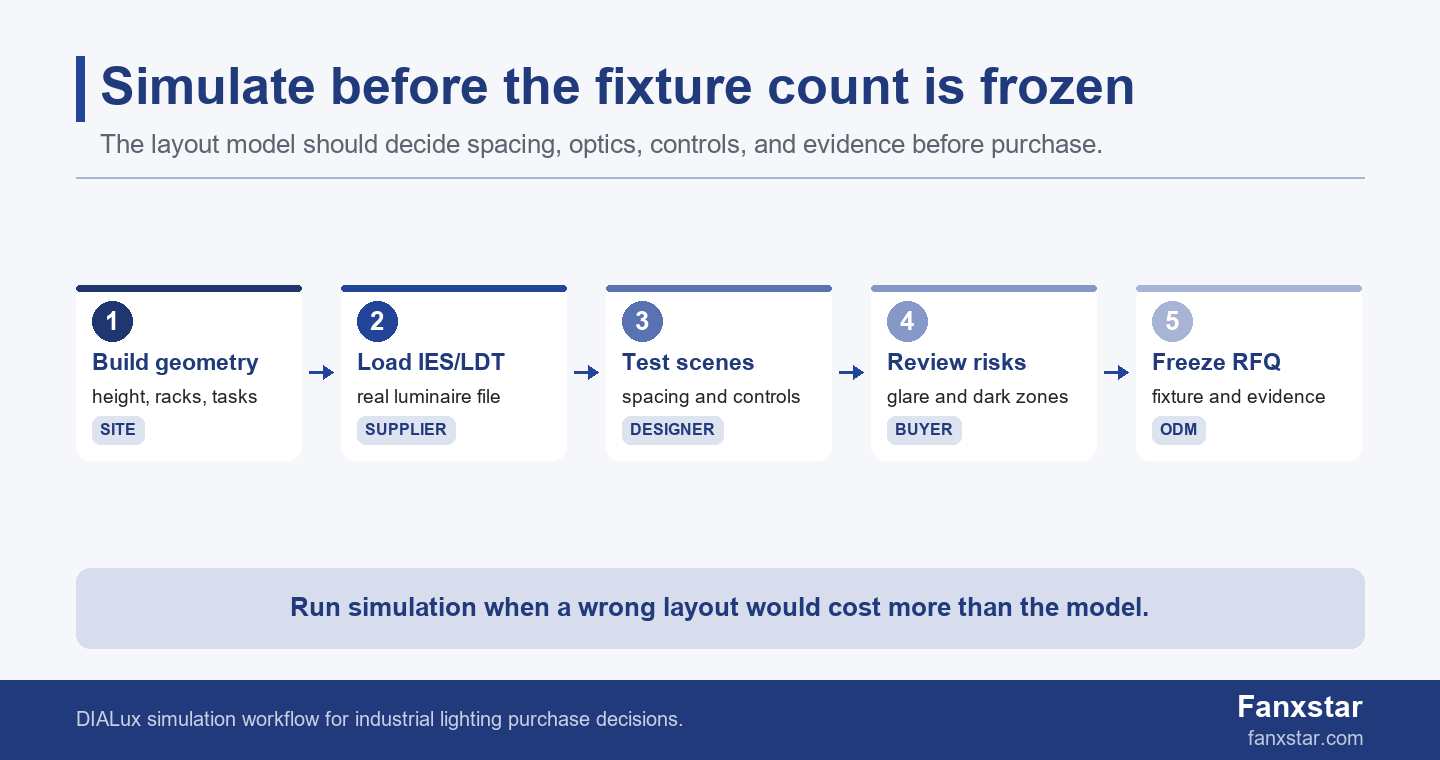
Ask for the exact luminaire file, not a substitute. If the quoted fixture changes driver, LED board, lens, diffuser, output, or beam, the model should be checked again. The buyer should also provide drawings, mounting height, rack or equipment layout, work-plane height, ceiling and wall reflectance, existing obstructions, target areas, and any emergency or sensor scenes.
According to DLC product requirements, product claims should be tied to defined technical requirements. A DIALux model should follow the same habit. The output should list the product file used, assumptions, and target values. Otherwise the simulation becomes a pretty image that cannot control purchase decisions.
A useful report should name at least 5 inputs: geometry, luminaire file, mounting height, reflectance assumptions, and control scenes. If any 1 of those inputs is missing, the buyer should treat the result as a concept model rather than a release model.
If the site has dirty walls, dark racks, black equipment, or reflective floors, do not model it as a clean white laboratory. If the fixtures will be suspended below pipes or cable trays, include those obstructions when they affect the work plane. If daylight enters the space, decide whether the model should include it or isolate artificial lighting. The answer depends on whether the buyer is checking nighttime safety, daytime energy, or normal operating scenes.
A weak model is worse than no model because it creates false confidence
A weak simulation hides its assumptions. It uses a generic fixture file, ideal reflectance, no rack shadows, no maintenance zones, no emergency scene, no sensor dimming, and no note about what changed from the quoted product. The report may look precise, but the precision belongs to the wrong model. This is why the buyer should ask for the input file and assumptions, not only a PDF screenshot.
The designer should mark the design target, calculation surfaces, maintenance factor if used, mounting plan, fixture code, and version. The buyer should also ask what conditions would invalidate the model. Examples include changing optics, lowering mounting height, moving rows, substituting a driver, changing CCT or diffuser, adding sensors, or installing racks that were not in the geometry.
According to International Trade Administration import documentation guidance, commercial files must describe the shipment. The simulation file should do the same for lighting design. It should describe the fixture version being bought, not an earlier or similar model.
How to use DIALux in the RFQ and sample process
Turn the simulation into a fixture and evidence gate
The strongest use of DIALux is to turn layout uncertainty into an RFQ gate. The buyer sends geometry, target areas, and operating conditions. The supplier provides the luminaire file and fixture options. The designer tests spacing, beam, mounting, and controls. Then the buyer freezes a fixture count, row plan, and evidence requirement before sample approval. This keeps the quote from drifting into guesswork.
According to International Trade Administration import regulations guidance, imported products can require documentation, safety, quality, and conformity checks. A simulation does not replace those files, but it helps define what the product file must prove. If the model uses a narrow lens, the quoted product should ship with that lens. If the model assumes a sensor scene, the quote should include that sensor behavior.
A useful RFQ asks for IES or LDT file, product drawing, driver model, output version, optics, mounting accessories, sensor or dimming option, emergency option if relevant, certificate scope, and sample purpose. The simulation then becomes a check against the RFQ rather than a separate design activity.
Use Fanxstar when simulation needs to become a manufacturable fixture
Fanxstar is relevant when the model points to a fixture requirement that is not a simple catalog swap. Starting points include LED linear lighting platforms, weatherproof LED lighting, motion sensor LED lighting, AI data center LED lighting solutions, tunnel LED lighting solutions, and custom LED lighting ODM service. The simulation can show whether the project needs a different optic, mounting, sensor grouping, emergency option, or housing.
Send Fanxstar the DIALux report, luminaire file used, mounting plan, target market, installation environment, and sample goal. The useful deliverable is a platform recommendation that connects the simulated result to a real fixture version, not a generic quote for the nearest wattage. If the model shows a dark zone or glare issue, the product response may be optics, spacing, lower output, different mounting, or a custom lens.
This is especially important for industrial projects with service corridors, racks, cold rooms, data halls, tunnels, parking decks, or food processing areas. In those sites, the best lighting choice is often the one that balances optical layout with housing, cable entry, controls, cleaning, and maintenance evidence. DIALux solves only part of the problem; the fixture platform must solve the rest.
DIALux handoff checklist before purchase
Ask for the file, the assumptions, and the decision
Before purchase, request the DIALux project file or report, fixture file name and version, calculation surfaces, target values, mounting height, spacing plan, quantity, optics, controls scenes, maintenance assumptions, reflectance assumptions, and the list of areas that did not meet target on the first pass. A report that only shows final renderings is not enough for procurement.
The buyer should also ask what changed after simulation. Did the fixture count change? Did beam angle change? Did mounting height change? Did controls grouping change? Did the supplier change the luminaire file? Did the target values change? The answers explain whether the simulation improved the purchase or merely decorated it.
Pair this workflow with Fanxstar’s LED retrofit planning checklist and industrial lighting controls guide when the project involves existing fixtures, sensor zones, dimming, or phased replacement.
Freeze the purchase order around the approved model
The purchase order should reflect the approved model: fixture type, quantity, optics, output, CCT, driver, control option, mounting accessory, emergency option, and any version-specific photometric file. It should also say that substitutions require written review because a product change can invalidate the simulation.
The final decision rule is practical: simulate when the cost of wrong spacing, glare, dark zones, rework, or excess fixtures is higher than the cost of modeling. Skip or simplify it when the job is truly low risk. For industrial LED lighting, many projects fall into the first category because the installation is expensive to correct after shipment.
FAQ
Do I always need a DIALux simulation before buying LED lights?
No. A full simulation is most valuable when geometry, height, glare, fixture count, emergency routes, or controls create meaningful layout risk. Simple low-risk replacements may only need a lighter layout check, but one-for-one retrofits should still be reviewed when beam shape changes.
What files are needed for a useful DIALux simulation?
The designer needs room or site geometry, mounting height, work-plane targets, surface assumptions, obstructions, control scenes, and the real IES or LDT file for the quoted luminaire. A simulation based on generic files should not freeze a purchase order.
Can DIALux prove that a fixture is certified?
No. DIALux can support lighting layout, visualization, and calculation checks, but it does not replace certificates, safety reports, IP evidence, labels, or market compliance files. Buyers should use simulation together with the supplier’s product evidence.
How should DIALux results be used in an RFQ?
Use the results to define fixture quantity, optics, mounting, spacing, control zones, emergency scenes, and sample evidence. The RFQ should require the supplier to quote the same luminaire version used in the model or explain what must be recalculated.