You can transform the security of your commercial or industrial space in 2025 by deploying a movement detector light. Advanced sensor technology now enables connected lighting solutions that offer high sensitivity, energy efficiency, and smarter facility management. Smart lighting control systems reduce energy consumption and maintenance costs, while modular designs adapt to any environment. Upgrading to reliable, intelligent lighting systems ensures that your property remains safe, efficient, and future-ready.
Key Takeaways
Movement detector lights enhance security by deterring unauthorized access and improving visibility in critical areas.
Integrating movement detector lights with security systems provides real-time monitoring and automated responses to detected motion.
Advanced sensor technology ensures reliable detection, reducing false alarms and improving safety in high-traffic areas.
Energy-efficient features like dimming controls and daylight harvesting help lower utility costs while maintaining performance.
Regular maintenance and proper placement of lights are essential for optimal functionality and to avoid blind spots.
Security Benefits
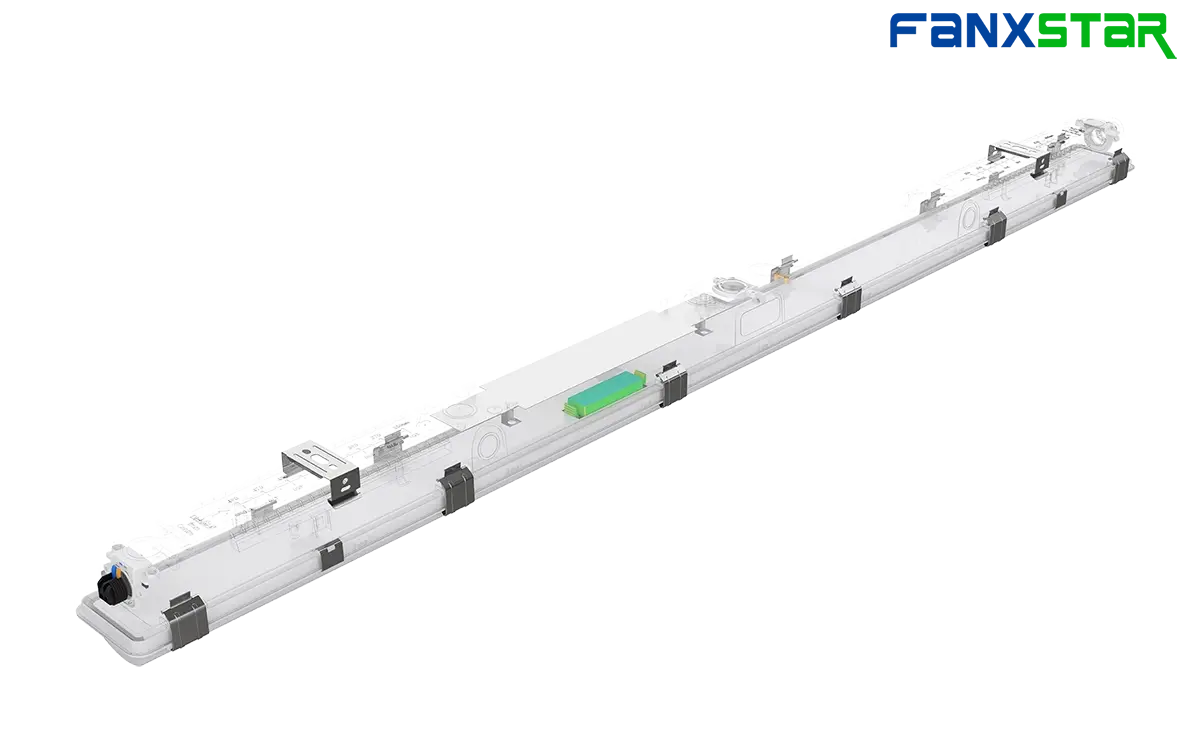
Deterrence and Safety
You want your facility to feel secure at all times. A movement detector light acts as a powerful deterrent against unauthorized access. When someone enters a monitored area, the sudden illumination signals that the space is under surveillance. This immediate response discourages trespassers and helps prevent accidents or crime.
You also improve safety for employees and visitors. Well-lit walkways, entrances, and parking areas reduce the risk of accidents. People can see obstacles and hazards more clearly. In emergency situations, a movement detector light provides instant visibility, guiding people to exits or safe zones.
Tip: Place lights at all entry points and along main pathways. This ensures that every critical area receives coverage and maximizes the deterrent effect.
Integration with Outdoor Security Lighting Systems
You can enhance your security strategy by integrating movement detector lights with other systems. Modern lighting solutions, like Fanxstar’s Motion Sensor Lighting, connect seamlessly with alarms, cameras, and access controls. When a sensor detects motion, it can trigger cameras to start recording or send alerts to your security team.
This integration creates a layered defense. You gain real-time awareness of activity in your facility. Automated lighting also supports energy management by ensuring lights only activate when needed.
Security Feature | Benefit for Your Facility |
|---|---|
Automatic Lighting | Immediate response to movement |
Camera Integration | Captures incidents as they happen |
Alarm Connection | Notifies staff instantly |
You can customize these systems to match your unique requirements. For example, you might set up zones where a movement detector light triggers both lighting and video recording, while in other areas, only the lights activate.
Note: Always test your integrated systems regularly. This ensures that every component works together and provides reliable protection.
Movement Detector Light Features
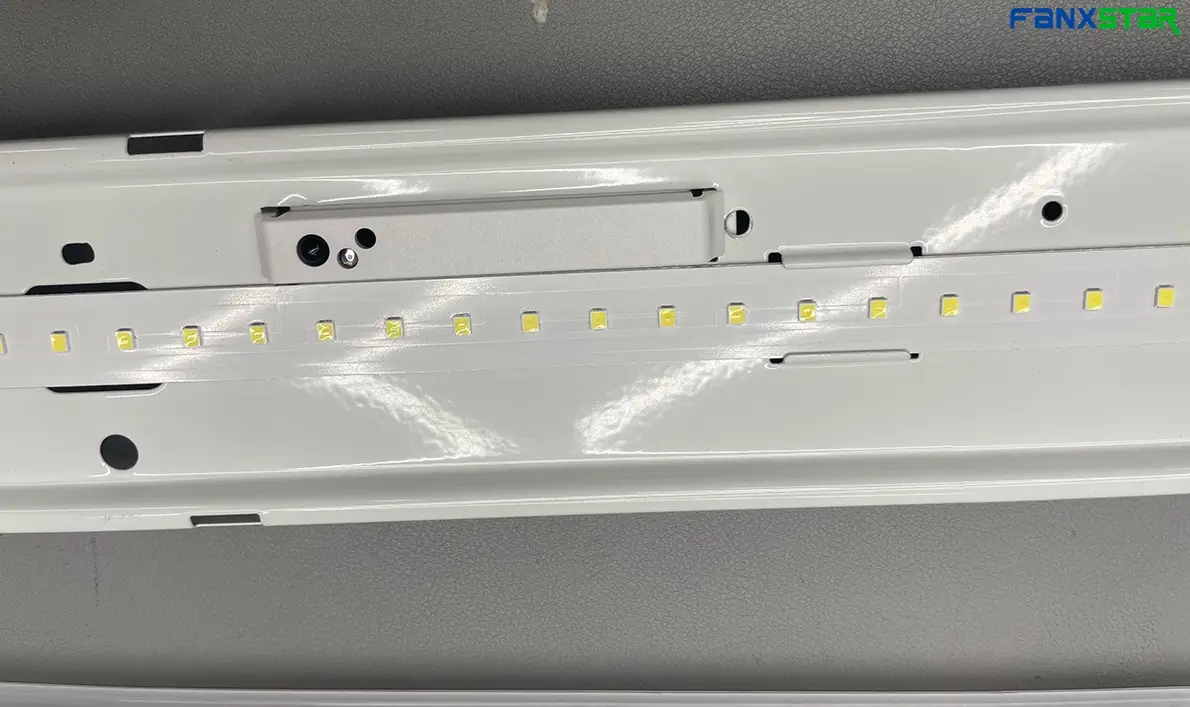
Advanced Sensor Technology
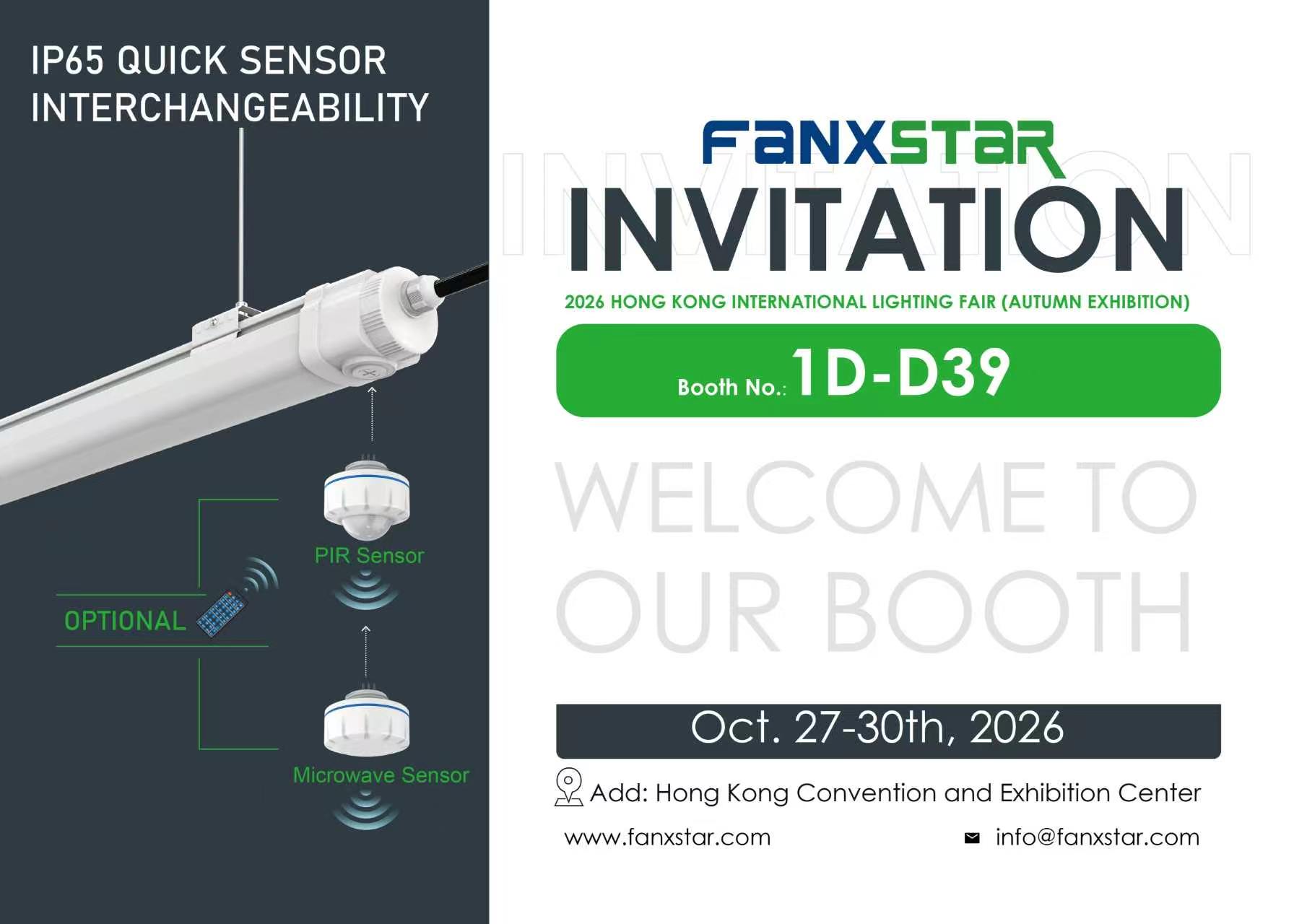
You need reliable detection in every corner of your facility. Fanxstar equips each movement detector light with advanced sensor technology. Dual-sensor systems combine microwave and RF group detection. This setup ensures high sensitivity and accurate motion detection, even in large or complex spaces. You can trust these sensors to respond instantly to movement, which helps you maintain security and safety at all times. The modular design allows you to customize coverage, so you can adapt the system to fit any warehouse, parking garage, or smart building.
Tip: Use dual-sensor lights in high-traffic areas for the best results. You will notice fewer false alarms and more consistent performance.
Energy Efficiency
You want to reduce energy costs without sacrificing performance. Fanxstar’s movement detector light series features smart energy-saving options. With 0-10V and DALI dimming, you can adjust brightness based on occupancy. Daylight harvesting technology lets the lights respond to natural light levels, so you only use energy when needed. This approach not only lowers your utility bills but also supports your sustainability goals. You can set schedules or automate lighting to match your facility’s workflow.
Feature | Benefit |
|---|---|
Dimming Controls | Lower energy use |
Daylight Harvesting | Maximize natural light |
Smart Scheduling | Optimize efficiency |
Durability and Flexibility
You need lighting that stands up to tough environments. Fanxstar designs each movement detector light with an IP65 waterproof rating. This means you can install them indoors or outdoors, even in areas exposed to dust or moisture. The rugged construction ensures long-lasting performance. The modular design gives you flexibility to expand or reconfigure your lighting as your needs change. Whether you manage a warehouse, a parking garage, or a smart building, you can rely on Fanxstar for dependable, adaptable lighting solutions.
Choosing the Right Solution
Assessing Your Needs
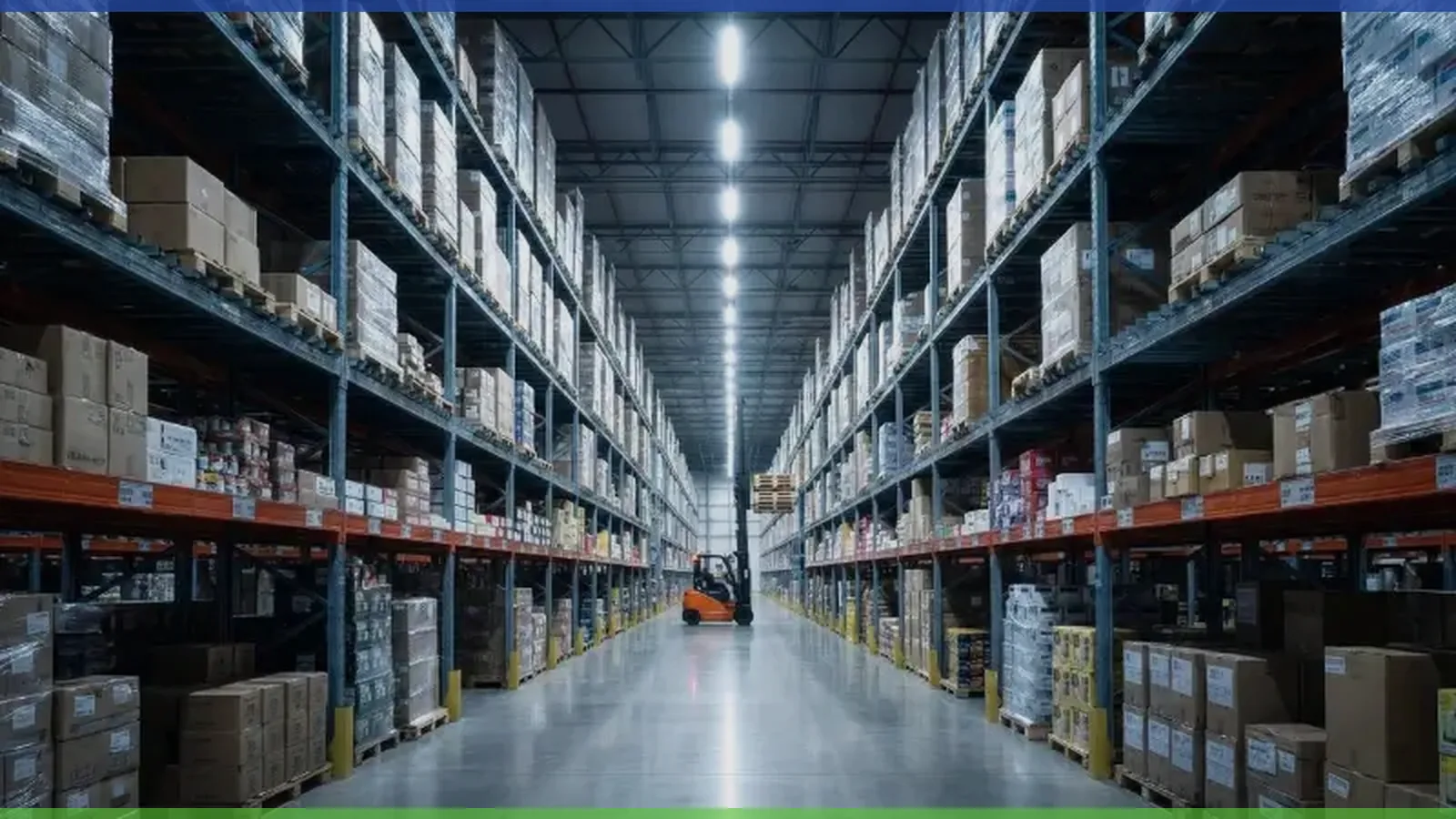
You should start by evaluating your facility’s unique requirements. Walk through your space and identify high-traffic zones, entry points, and areas that need extra security. Consider the size of each area and the level of activity throughout the day. Warehouses, parking garages, and smart buildings each have different lighting demands. You may need brighter lights in loading docks or more sensitive sensors in corridors. Make a checklist of your priorities, such as energy savings, durability, and integration with other systems. This approach helps you select the most effective movement detector lights for your environment.
Tip: Map out your facility and mark locations where you want to install motion sensor lights. This visual plan makes it easier to match products to your needs.
Comparing Fanxstar Models
Fanxstar offers a range of motion sensor lighting solutions designed for commercial and industrial use. Each model addresses specific operational challenges:
Model Name | Key Features | Best For |
|---|---|---|
A1S | Weatherproof, high sensitivity, modular design | Warehouses, outdoor spaces |
A18S | Waterproof, dual-sensor, robust construction | Parking garages, loading zones |
Clite 300S | Smart sensor, bulkhead style, compact form | Corridors, entrances, small spaces |
You can choose the A1S for large, exposed environments. The A18S works well in areas that need extra durability. The Clite 300S fits compact or commercial properties. Fanxstar also provides OEM and ODM services, so you can request custom branding or features for your project.
Customization Options
Fanxstar understands that every project has unique requirements. You can take advantage of several customization options to ensure your lighting system fits perfectly:
Customization Option | Description |
|---|---|
Innovative Designs | Tailored solutions for different project needs |
Expandable Cooling Units | Units designed for future expansion |
Compliance with International Standards | Products meet global quality and efficiency standards |
Flexible Designs | Easily modified or expanded layouts |
Specialized Solutions | Custom options for sectors like agriculture, healthcare, and cosmetics |
Advanced cooling systems help you reduce energy consumption.
AI and IoT integration allows remote monitoring and smart control.
Fanxstar provides technical consultations before supply and installation.
Note: Customization ensures your lighting system grows with your business and meets all safety and efficiency standards.
Installation Tips
Placement Strategies
You want your movement detector lights to provide the best coverage and security. Start by identifying high-traffic areas in your facility. Entrances, garages, and main pathways often see the most activity. Placing lights in these locations increases visibility and deters unwanted visitors. Do not overlook dark corners or the perimeter of your property. These spots can become hiding places for intruders if left unlit.
Install lights at entrances, garages, and main walkways.
Cover dark corners and property boundaries.
Mount lights at a height of 6 to 8 feet for optimal detection.
Follow the manufacturer’s instructions for wiring and sensor placement.
Tip: Always test each light after installation. Walk through the area to ensure the sensor responds as expected.
Avoiding Blind Spots
Blind spots can compromise your security system. You need to ensure that every critical area receives proper illumination. Overlapping the detection zones of adjacent lights helps eliminate gaps. Avoid placing lights behind large objects or near obstructions like tall shelving or parked vehicles. These can block the sensor’s field of view.
Common Blind Spot | Solution |
|---|---|
Behind doors | Angle lights outward |
Near large objects | Raise mounting height |
Corners | Use wide-angle sensors |
Note: Regularly review your lighting layout. Changes in your facility, such as new equipment or layout adjustments, may create new blind spots.
Sensor Settings
Proper sensor settings ensure your lights work efficiently. Adjust the sensitivity to match the activity level in each area. High-traffic zones may require lower sensitivity to avoid constant activation. In less busy areas, increase sensitivity for better detection. Set the time delay so lights stay on long enough for safe passage but not so long that energy is wasted.
Adjust sensitivity based on area usage.
Set time delays to balance safety and efficiency.
Use daylight harvesting features to save energy during daylight hours.
Pro Tip: Test and fine-tune your sensor settings after installation. This ensures your system responds accurately to real movement and avoids false triggers.
Common Mistakes
Environmental actors
You may overlook how your facility’s environment affects movement detector lights. Extreme temperatures, dust, and moisture can impact sensor performance. Even though Fanxstar lights feature an IP65 waterproof rating, you should still consider the placement. Avoid installing lights near vents, heaters, or areas with heavy condensation. Strong winds or moving machinery can also trigger false alarms.
Place lights away from direct airflow or heat sources.
Use protective covers in dusty or corrosive environments.
Regularly inspect outdoor units for debris or insect nests.
Tip: Always check the manufacturer’s guidelines for recommended operating conditions and environmental responsibility . This helps you maintain optimal performance year-round.
Maintenance Oversights
You need to keep your lighting system in top condition. Many users forget routine maintenance, which can lead to reduced sensitivity or unexpected failures. Dust, cobwebs, and grime can block sensors and lenses.
Maintenance Task | Frequency | Why It Matters |
|---|---|---|
Clean sensors | Monthly | Prevents false triggers |
Check wiring | Quarterly | Ensures safe operation |
Replace batteries | As needed | Maintains reliability |
Note: Set a maintenance schedule and assign responsibility to a team member. Consistent upkeep extends the lifespan of your lighting system.
Incorrect Configuration
You might set up your movement detector lights incorrectly if you rush installation. Incorrect sensitivity, time delay, or detection range settings can cause lights to stay on too long or not activate when needed. Overlapping detection zones may create unnecessary energy use.
Adjust sensitivity to match the activity level in each area.
Set time delays to balance safety and energy savings.
Test detection zones after installation.
Pro Tip: Document your configuration settings. This makes future troubleshooting and adjustments much easier.
Troubleshooting
Diagnosing Issues
You may notice that your movement detector lights do not work as expected. Start by checking the most common signs of trouble. If a light does not turn on, look for power supply issues first. Inspect the wiring and make sure the circuit breaker is on. If the light stays on all the time, review the sensor settings. High sensitivity or a blocked sensor can cause this problem. Sometimes, environmental factors like dust or insects on the sensor lens can interfere with detection.
Tip: Walk through the detection area and observe how the light responds. This simple test helps you identify if the sensor detects movement correctly.
Quick Fixes
You can solve many lighting issues with a few quick steps. Use this checklist to address the most frequent problems:
Light does not turn on:
Check the power connection and replace any blown fuses.
Clean the sensor lens with a soft cloth.
Make sure the sensor is not blocked by objects.
Light stays on continuously:
Lower the sensitivity setting.
Adjust the time delay to a shorter period.
Remove any moving objects (like hanging signs) from the detection zone.
Light triggers randomly:
Inspect for drafts or moving air near the sensor.
Relocate the sensor if it faces direct sunlight or reflective surfaces.
Problem | Quick Fix |
|---|---|
No response | Check power, clean lens |
Always on | Adjust settings, clear area |
False triggers | Remove drafts, relocate unit |
Fanxstar Support
You have access to Fanxstar’s dedicated support team if you need extra help. Reach out for technical guidance, warranty claims, or troubleshooting advice. Fanxstar offers 24/7 customer service and a 5-year warranty on all motion sensor lighting products. You can contact support by phone, email, or through the official website.
Note: Keep your product model number and installation details ready when you contact support. This information helps the team assist you faster and more effectively.
Smart Strategies for 2025

Automation and AI
You can unlock new levels of efficiency by using automation and AI in your lighting system. Smart motion detector lights now use artificial intelligence to learn patterns in your facility. The system can adjust brightness, timing, and sensitivity based on real-time data. You save energy and improve security because the lights respond only when needed. Fanxstar’s Wireless Motion Sensors Light supports AI-driven controls, so you can set schedules or let the system optimize itself.
Use AI to analyze occupancy trends.
Automate lighting schedules for different shifts.
Adjust sensitivity based on time of day.
Tip: Enable adaptive learning features to let your system improve over time. You will notice fewer false alarms and better coverage.
System Integration
You can create a seamless security network by integrating your movement detector lights with other building systems. Fanxstar products work with cameras, alarms, and access controls. When a sensor detects movement, the system can trigger video recording or send alerts to your phone. This integration helps you monitor your facility from anywhere.
System | Integration Benefit |
|---|---|
Cameras | Instant video capture |
Alarms | Immediate notifications |
Access Control | Automated entry logs |
Note: Test your integrated systems regularly. You want every component to work together for maximum protection.
Future-Proofing
You prepare your facility for tomorrow by choosing solutions that adapt to new technology. Fanxstar’s modular design lets you upgrade sensors, add new features, or expand coverage as your needs change. You avoid costly replacements and keep your system up to date.
Select products with modular components.
Choose lighting with software update support.
Plan for scalability in your initial setup.
:bulb: Pro Tip: Review your lighting system every year. You can add new AI features or expand coverage as your business grows.
You can elevate your facility’s security and efficiency by adopting smart movement detector lights. Choosing advanced solutions like Fanxstar’s Motion Sensor Lighting delivers clear advantages:
Longer asset lifespan boosts your investment returns.
Smart lighting improves user well-being.
Sustainable systems support modern infrastructure.
Assess your current lighting setup. Consider upgrading to Fanxstar for a safer, smarter environment. Take the next step toward reliable, future-ready security.
FAQ
How do you choose the best movement detector light for your facility?
You should assess your space size, activity level, and security needs. Compare models based on sensor technology, energy efficiency, and durability. Fanxstar offers options for warehouses, parking garages, and smart buildings.
Can you install Fanxstar Motion Sensor Lighting outdoors?
Yes, you can install Fanxstar lights outdoor spaces. The IP65 waterproof rating protects against rain, dust, and moisture. You maintain reliable performance in harsh environments.
What maintenance tasks keep your motion sensor lights working efficiently?
You clean sensors monthly, check wiring quarterly, and replace batteries as needed. Regular maintenance prevents false triggers and ensures consistent operation.
Tip: Assign a team member to track maintenance schedules for better reliability.
How does daylight harvesting help you save energy?
Daylight harvesting adjusts light output based on natural sunlight. You reduce energy consumption and lower utility costs. The system automatically dims lights when enough daylight is present.
Feature | Benefit |
|---|---|
Daylight Harvesting | Lower energy bills |
Who do you contact for technical support or warranty claims?
You reach Fanxstar’s support team by phone, email, or the official website. Keep your product model number ready for faster assistance. Fanxstar provides 24/7 support and a 5-year warranty.